Shrinkr · Release notes
What’s new in Shrinkr
Every version of Shrinkr, newest first: what’s new, what’s better and what’s fixed. Shrinkr updates itself, so you’ll be offered each new version the next time you open it.
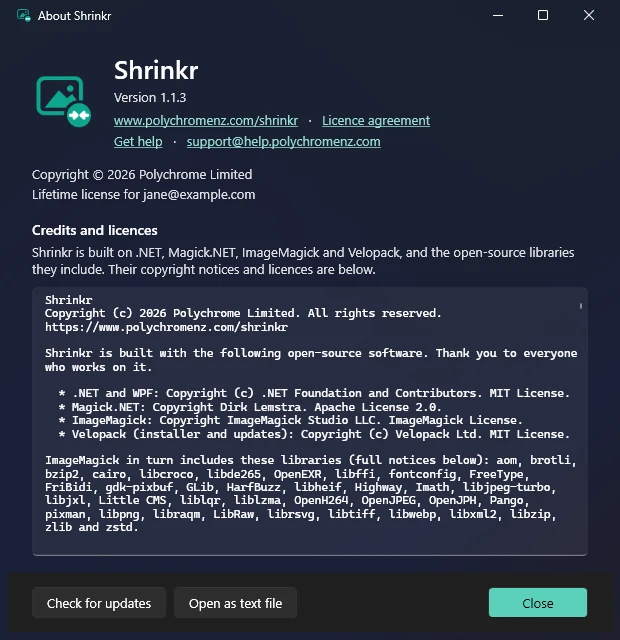
What’s new in each version of Shrinkr, newest first. Shrinkr updates itself: when a new version is out, it offers to update the next time you open it, or click ⓘ then Check for updates.
New to Shrinkr? See the Shrinkr guide.
1.1.3 · 28 October 2026
New
- Help button. A ? button at the top right (or press F1) opens the Shrinkr guide in your browser.

1.1.2 · 28 October 2026
New
- Get help link in the About window, straight to the help form, plus our support email address: [email protected].
- The licence agreement now gives the helpdesk as the contact. Nothing else in it changed, so you won’t be asked to agree again.
1.1.1 · 27 October 2026
New
- Lifetime licences show as Lifetime license at the top right, and in the About and Activate windows, instead of an end date. Yearly licences show their end date as before.
1.1.0 · 27 October 2026
- The first 1.1 release. It’s the same as 1.0.3 (signed installer and licence agreement), with no other changes.
1.0.3 · 27 October 2026
New
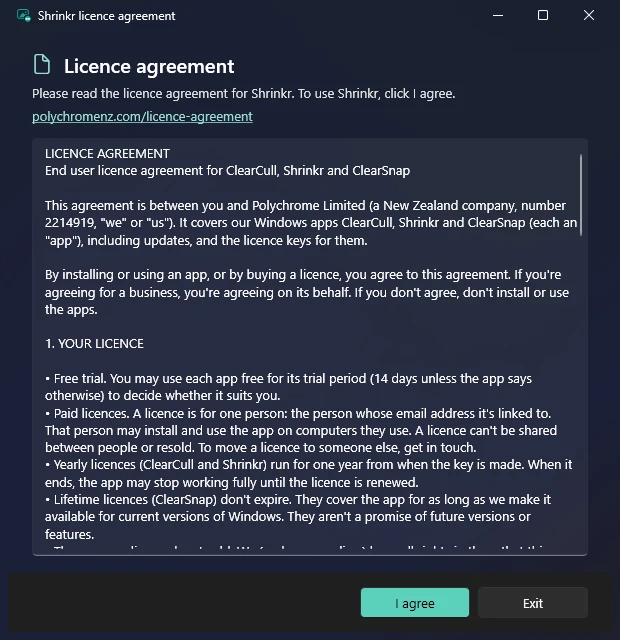
- Licence agreement. The first time you open Shrinkr, it shows the licence agreement; click I agree to continue. You’re only asked again if the agreement changes. You can read it any time from the About window, or at polychromenz.com/licence-agreement.
1.0.2 · 27 October 2026
Improved
- Signed by Polychrome Limited. Shrinkr and its installer are now digitally signed, so Windows shows Polychrome Limited as the publisher. That helps Windows trust it, and over time it makes the “Windows protected your PC” message disappear.
1.0.1 · 25 October 2026
New
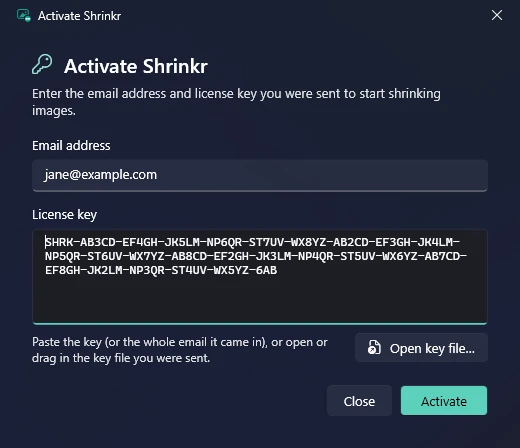
- Easier activation. The Activate window can now read the key file you were sent: click Open key file… or drag the file onto the window, and the email and key fill themselves in. You can also paste the whole email your key came in, and Shrinkr picks out the key.
1.0.0 · 24 October 2026
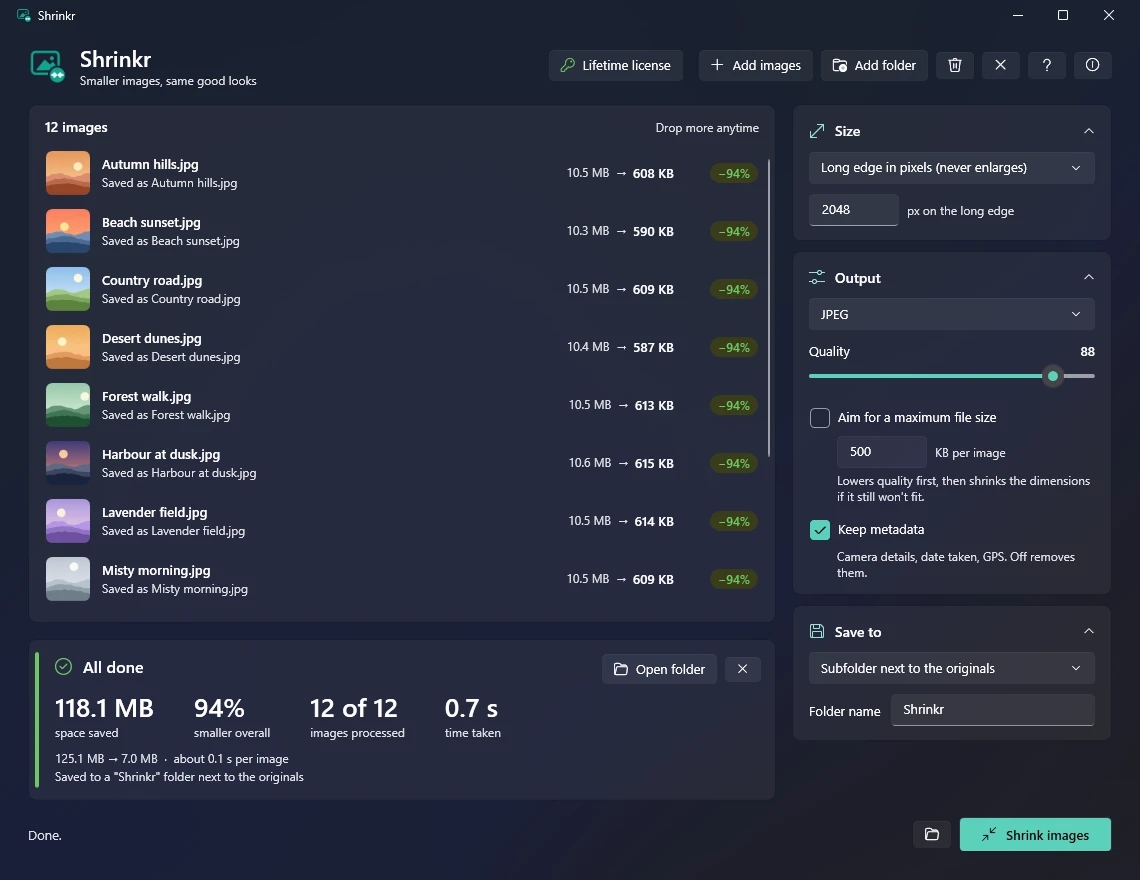
First release. Shrinkr makes batches of photos smaller, quickly, without making them look worse.
- Drag and drop photos or whole folders, or use Add images / Add folder. Reads JPEG, PNG, WebP, HEIC (iPhone), BMP, GIF and TIFF.
- Size: keep the original size, fit within a box, scale by a percentage, or set the long edge in pixels. Never enlarges.
- Output: keep the format or save as JPEG, PNG or WebP; a quality slider; an optional maximum file size; keep or remove metadata (colour profiles are always kept).
- Save to: choose a folder each time, a subfolder next to the originals, or replace the originals (they go to the Recycle Bin).
- Safe by design: never overwrites other files, keeps the original if re-saving would make it bigger, and finishes photos in progress if you close mid-way.
- Progress and results: live space saved while it works, then a summary of space saved, how much smaller, images processed and time taken.
- Remembers your settings, with collapsible setting cards and tooltips on every option.
- Updates itself from polychromenz.com.